
Schema Markup Helper
Generate, detect, validate, and manage your structured data with ease. Improve your search appearance with rich snippets and enhanced SERP features.
What is Schema Markup?
Schema markup is structured data that helps search engines understand your content better. It enables rich snippets in search results-like star ratings, FAQs, product prices, and more- making your pages stand out and increasing click-through rates.
Schema Generator
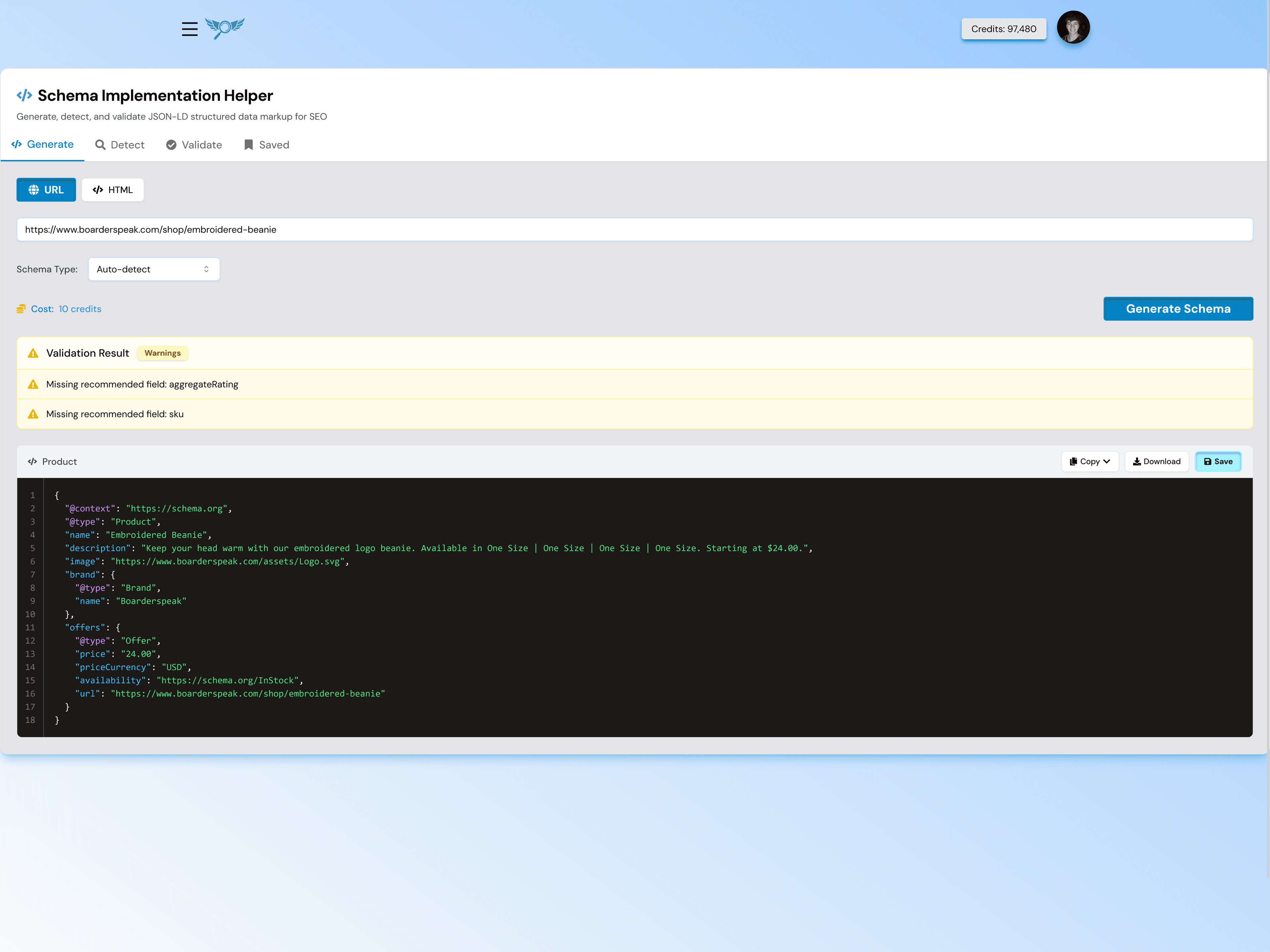
Create valid JSON-LD schema markup for any type of content without writing code. Our intuitive interface guides you through the process.
- Support for 20+ schema types (Article, Product, FAQ, HowTo, etc.)
- Auto-generated JSON-LD code ready to copy
- Real-time preview of how your rich snippet will appear
- Follows Google's latest structured data guidelines
- No coding knowledge required

Schema Detector
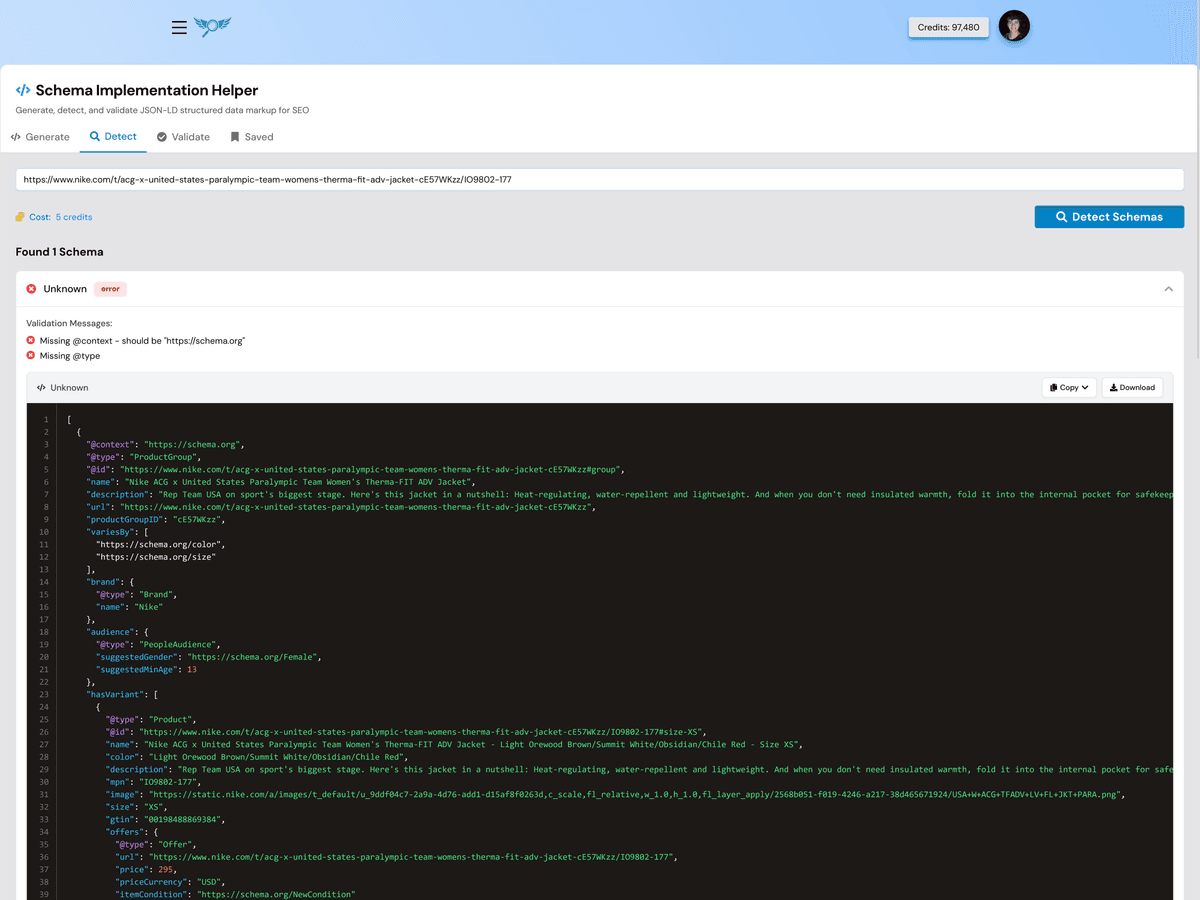
Analyze any webpage to discover what structured data is already implemented. Perfect for competitor analysis and auditing your own site.
- Enter any URL to scan for existing schemas
- Detects all JSON-LD, Microdata, and RDFa formats
- Shows parsed schema data in readable format
- Identifies missing schema opportunities
- Export detected schemas for reference
Schema Validator
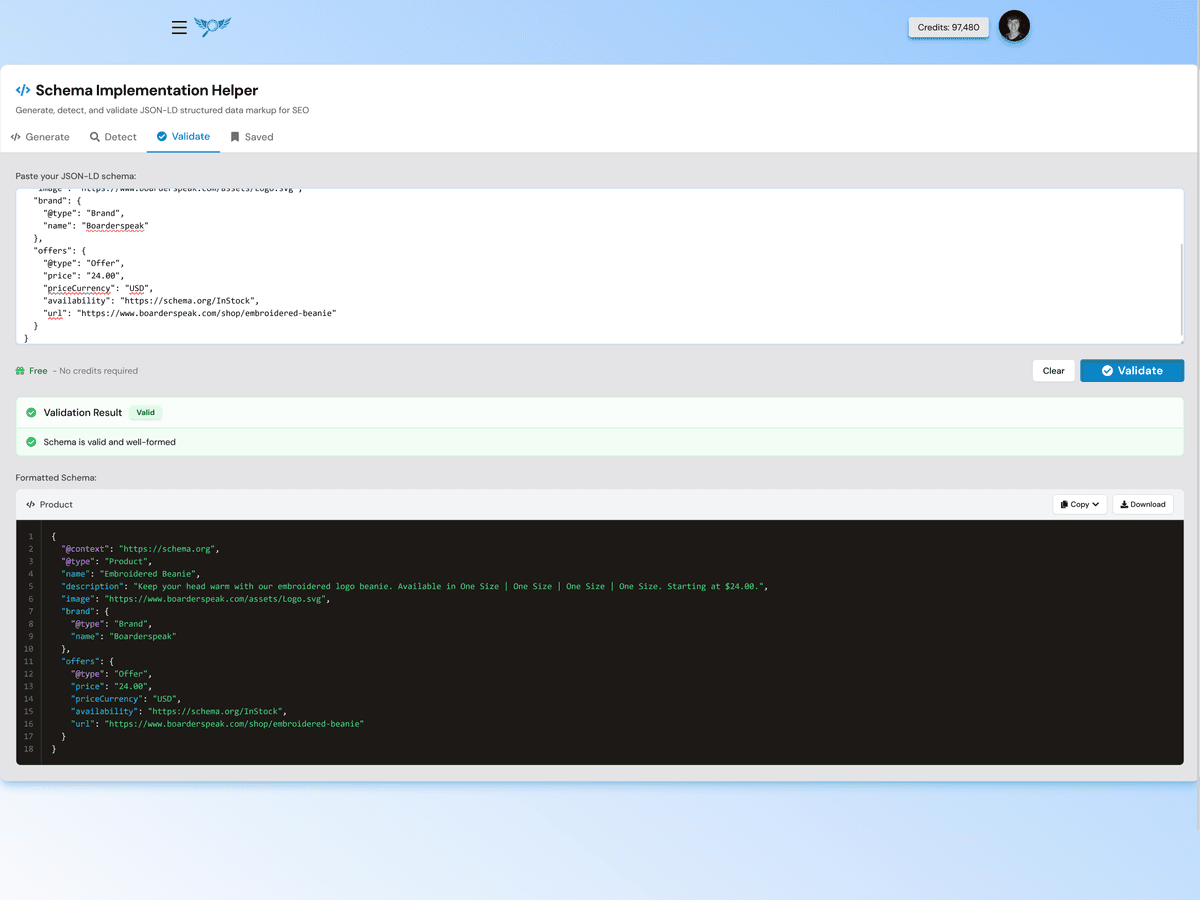
Validate your structured data against Google's requirements before deploying. Catch errors and warnings that could prevent rich snippets from appearing.
- Paste your JSON-LD code or enter a URL
- Validates against Schema.org vocabulary
- Checks Google's rich result requirements
- Detailed error messages with fix suggestions
- Warnings for recommended but optional properties
Save & Manage Schemas
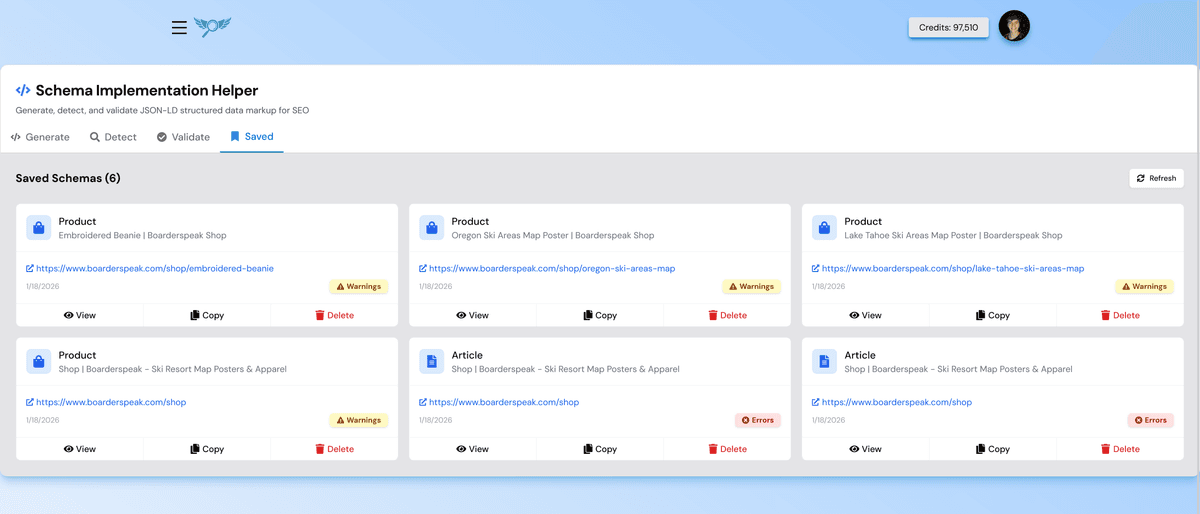
Store your generated schemas for easy access and reuse. Perfect for managing structured data across multiple pages or websites.
- Save unlimited schemas to your account
- Organize schemas by website or project
- Quick copy to clipboard functionality
- Edit saved schemas anytime
- Export all schemas as a bundle
Supported Schema Types
Generate structured data for all major content types
Article
News articles, blog posts, and editorial content
Product
E-commerce products with price, availability, reviews
FAQ
Frequently asked questions with expandable answers
HowTo
Step-by-step tutorials and instructions
Review
Product or service reviews with ratings
Event
Upcoming events with dates and locations
LocalBusiness
Business info, hours, contact details
Person
Author profiles and personal pages
Recipe
Cooking recipes with ingredients and steps
Video
Video content with thumbnails and duration
JobPosting
Job listings with salary and requirements
Course
Educational courses and programs
And many more including Organization, WebSite, BreadcrumbList, SoftwareApplication, and more...
Why Use Structured Data?
Rich Snippets in Search
Stand out with star ratings, prices, FAQs, and more in search results.
Higher Click-Through Rates
Rich results attract more clicks than plain blue links.
Voice Search Ready
Structured data helps voice assistants understand your content.
Better Search Understanding
Help Google understand exactly what your content is about.
Knowledge Panel Eligibility
Increase chances of appearing in Google's Knowledge Graph.
Future-Proof SEO
As search evolves, structured data becomes more important.
How to Add Schema to Your Site
Generate Schema
Use our Schema Generator to create valid JSON-LD markup for your content type.
Validate & Save
Run the validator to ensure there are no errors, then save it to your account.
Add to Your Page
Copy the JSON-LD code and paste it into your page's <head> or <body> section.
Ready to Improve Your Search Appearance?
Start generating schema markup for free and unlock rich snippets in search results.